
Workflows
Connect agents into workflows with triggers, approvals, and run history.
Create and publish
Open Workflows and create a workflow. In Studio, add and connect steps from the node catalogue, then choose each step's agent and settings. Start with the manual trigger, write YAML, or generate a workflow from a prompt.
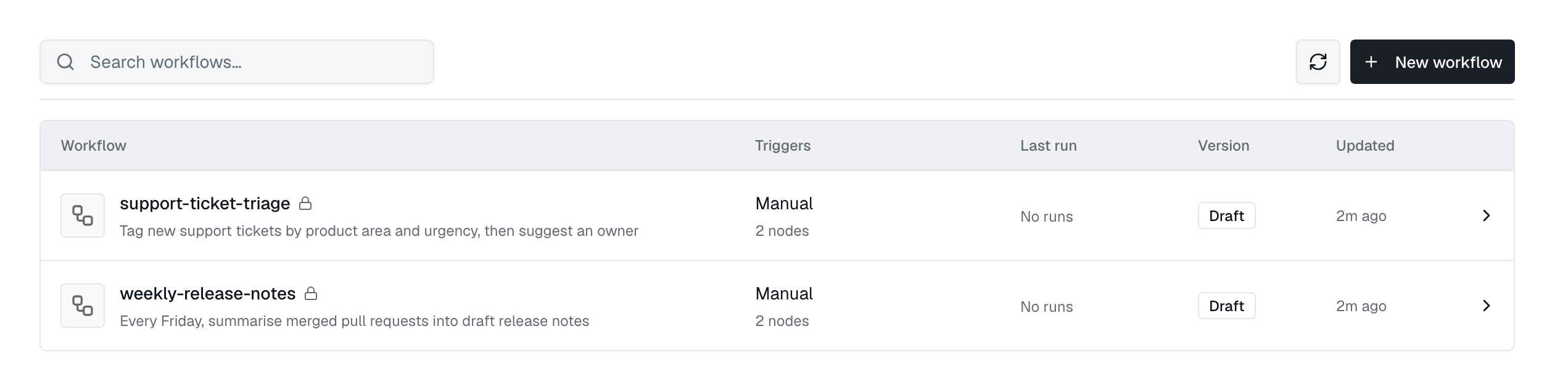
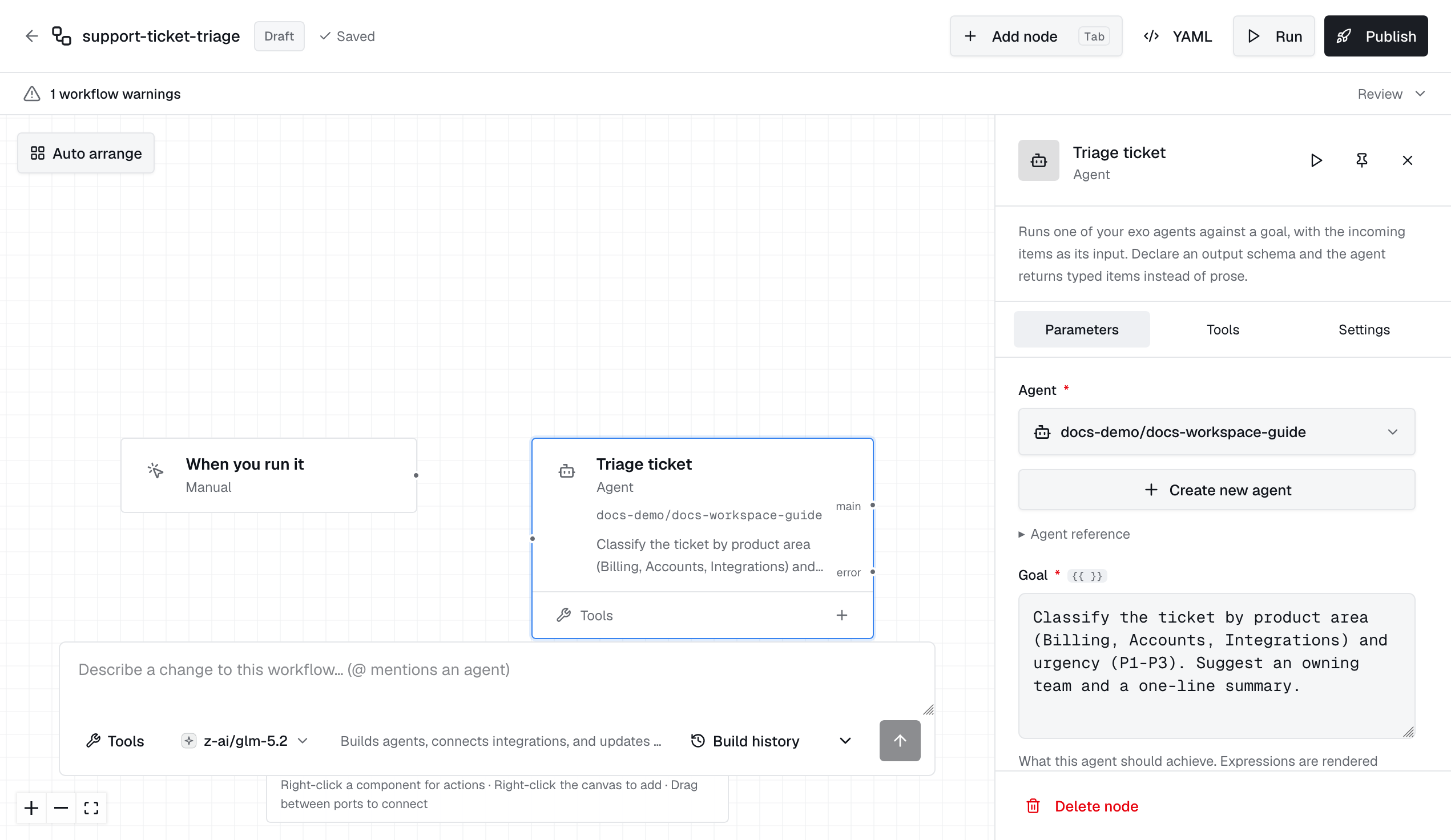
Save to update the draft. Publish to validate it, check agent access, and create a fixed version for triggers. Restoring an older version publishes a new copy and keeps the history.
exo workflow catalog
exo workflow validate -f workflow.yaml
exo workflow apply -f workflow.yaml
exo workflow publish daily-report
exo workflow run daily-report --input @input.json --wait
exo workflow executions daily-report
Run identity and access
Runs use the workflow's run_as user: initially the creator, then the first publisher. Agent invoke access is checked at publication and each step. Only an administrator can change this user to another person.
Workflows are private unless shared. You need access to the workflow plus workflows:read for definitions and history, workflows:write for editing and publishing, and workflows:invoke for running, retrying, or cancelling.
API and MCP connections
In Settings, enable API & MCP access. Each connection has a token shown once. Pause keeps it, Rotate replaces it, and Remove revokes it. Connections run the published version as its run-as user. Disabled workflows reject calls.
curl -X POST "$INDUSTRIC_URL/api/v1/workflow-connections/$CONNECTION_ID/invoke" \-H "Authorization: Bearer $WORKFLOW_TOKEN" \-H "Content-Type: application/json" \-d '{"input":{"topic":"weekly operations"},"wait":true,"timeout_seconds":120}'
Completed requests return the status and final-step output. Pending runs return 202. A Respond node can set the response. MCP uses /api/v1/workflow-connections/<id>/mcp and exposes a run_<workflow-name> tool. Drafts are never exposed through these connections.
Inspect and recover
Review the run and step output before retrying. Agent steps must return structured output with exo workflow emit; terminal text alone is not enough. Webhook and schedule triggers use the published version. Workflows are enabled by default. Set EXO_WORKFLOWS_ENABLED=false to disable their routes, engine, and scheduler.
exo workflow logs <execution-id>
exo workflow cancel <execution-id>
exo workflow retry <execution-id>