
Model providers
Set up your AI providers and API keys once for your agents to use.
Add an AI provider's name, type, and API key once. Industric stores the key encrypted and gives it to agents when needed. Agents using an active LLM gateway receive a virtual key instead.
Add a provider
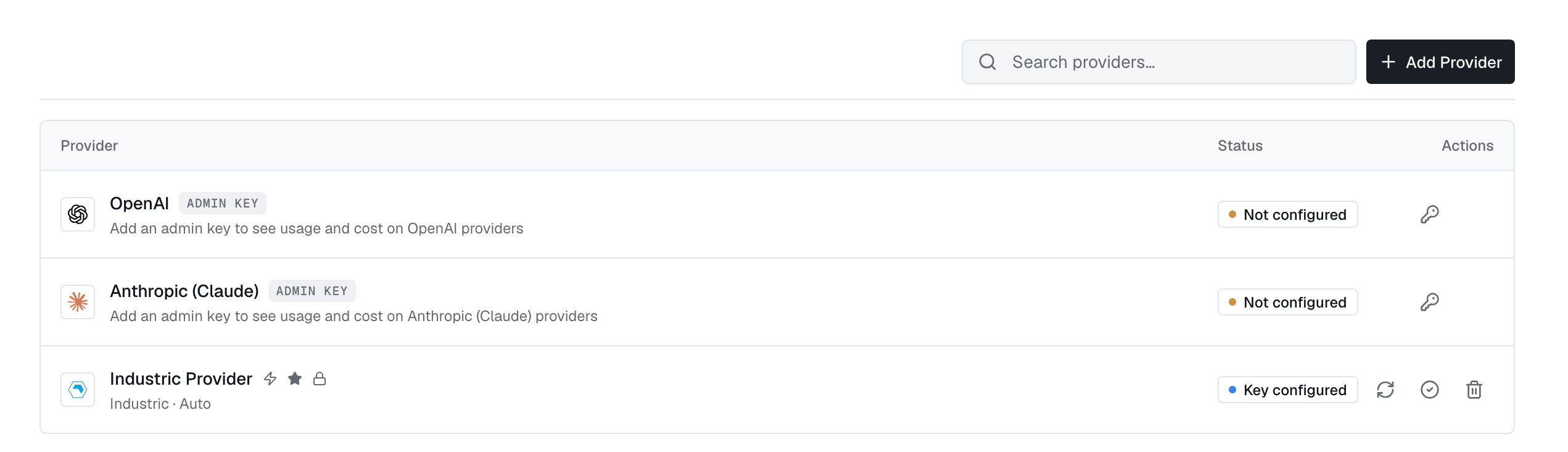
Open Providers → Add provider. Choose the type, enter a name and API key, then enter a Model or select one with Load from provider.
Saved keys are encrypted and hidden. Leave the key blank when editing to keep it. Click Validate to test the key before saving. For a walkthrough, see Create your first Agent.
Provider types
| Type | Notes |
|---|---|
| Industric Provider | Hosted models billed to your credits, no vendor account needed. 1 credit per 1M input tokens, 5 per 1M output. |
| Anthropic (Claude) | Keys from the Anthropic Console. Used by the ClaudeCode runtime. |
| OpenAI | Keys from the OpenAI platform. Used by the Codex runtime. |
| Google Gemini | Keys from Google AI Studio. Used by the Gemini runtime. |
| OpenRouter | One key across many vendors; models are vendor-prefixed (z-ai/glm-5.2). |
| OpenCode Zen | OpenCode's hosted gateway. GPT, Claude, Gemini, GLM and more behind one key. |
| OpenAI Compatible | Anything speaking the OpenAI wire format: self-hosted vLLM, LiteLLM, Together. Base URL required. |
Use the Voice tab for speech providers. Set the language, sample rate, encoding, and endpointing, then test the connection.
Default provider
The default provider is preselected for new agents and used by the dashboard's AI helpers. Choose Set as default provider to change it. There is one default, marked with a star. Existing agents keep their current provider.
Choose an agent's provider
Choose one provider when creating an agent. Change it on the agent page; the pod restarts when idle. The runtime determines compatible providers: ClaudeCode uses anthropic, Codex uses openai, and Gemini uses gemini. OpenCode accepts most types or uses its free model without a key.
spec.provider.authMode for keyless access through Claude Workload Identity Federation, AWS Bedrock via IRSA or Pod Identity, or GCP Vertex workload identity. See the Agent CRD reference.Provider access
The create form preselects Shared; choose Private to keep access to the owner. API-created providers are private unless sharing is requested. In the Access panel, remove the all-users grant before limiting access to named users, teams, or roles.