
MCP servers
Connect MCP servers, share their tools with agents, and track usage.
An MCP server gives agents access to remote tools through the Model Context Protocol. Save its URL and credentials once, then attach it to agents by name. Open Capabilities → MCP Servers.
Register a server
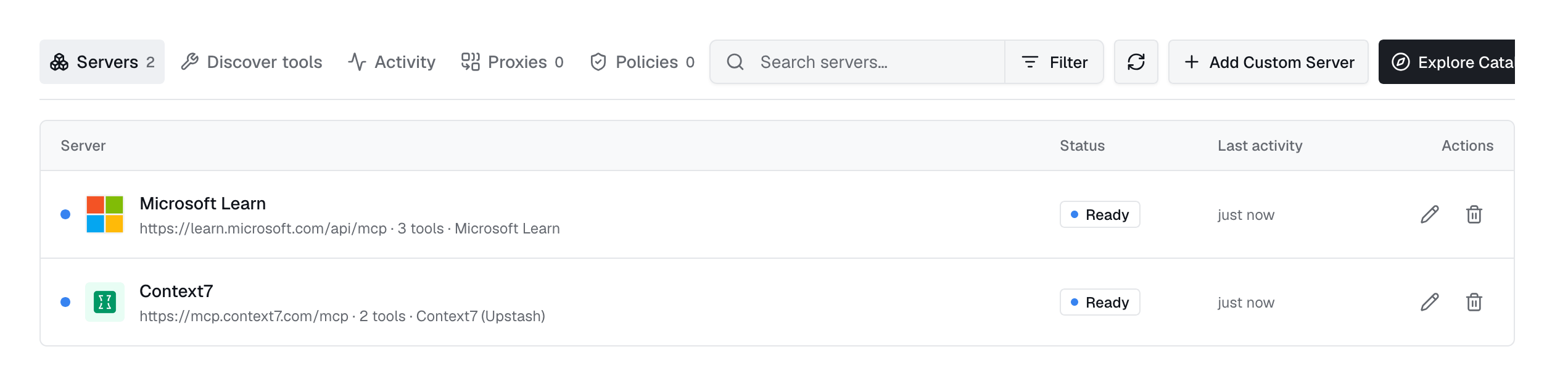
Click Add server. Enter a name, URL, transport, and authentication method. Use Test connection to check the settings and see the tool count and response time before saving.
| Field | What it does |
|---|---|
url | The existing server endpoint. Registration does not host or proxy it. |
transport | http for streamable HTTP (default), or sse for Server-Sent Events. |
auth_type | none, headers, bearer, apikey, oauth_client_credentials, or oauth_authorization_code. |
description | Shown on the server card and in the agent picker. |
The catalogue
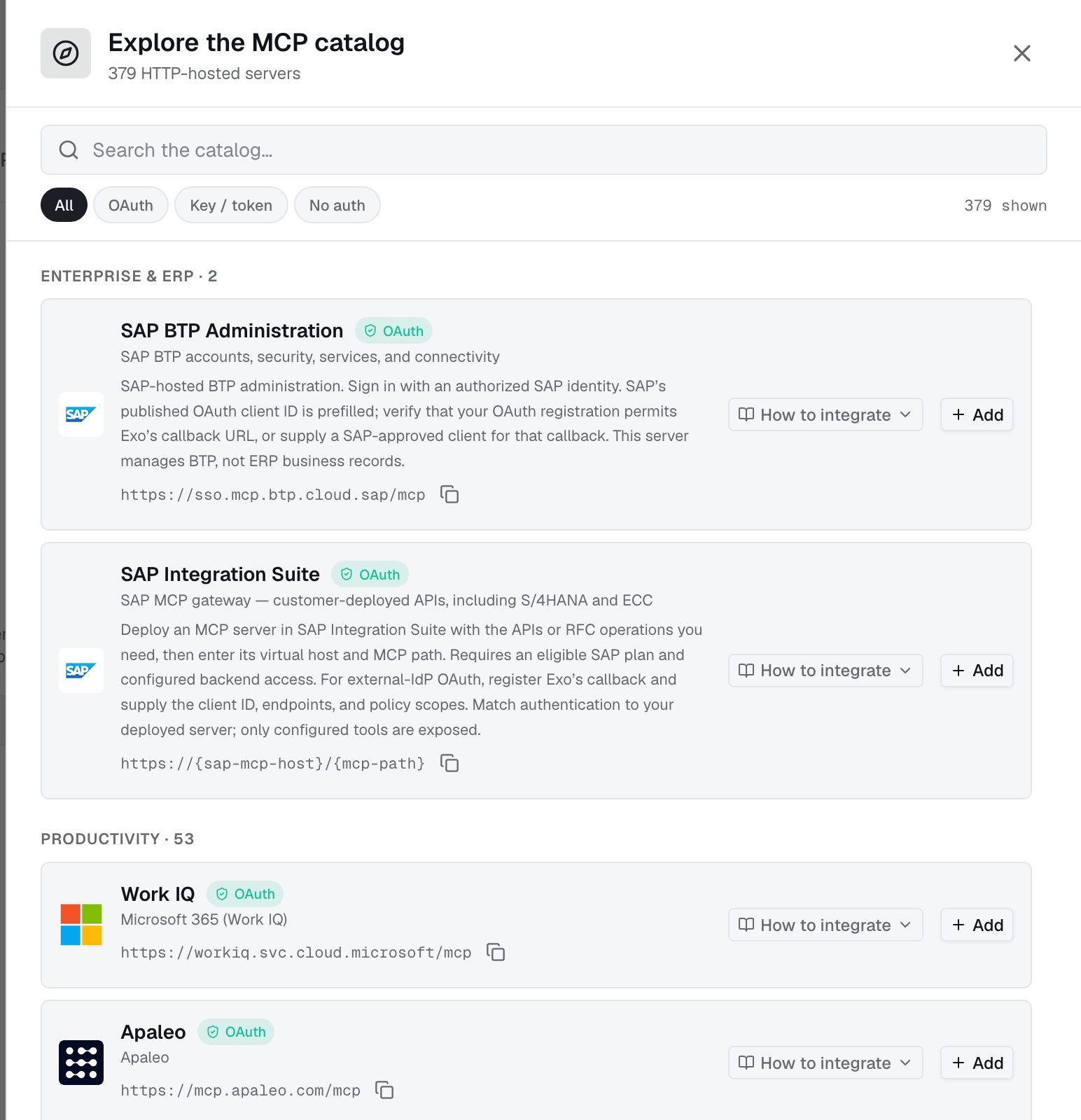
Use Browse catalogue to find a hosted server. Selecting one fills in its URL, transport, authentication method, and OAuth scopes. Add your credentials to connect.
{workspace-hostname} with your vendor workspace or organization address before saving.Authentication
- Static credentials: use
bearer,apikeywith a header name, or customheaders. Industric adds them to requests. - OAuth client credentials: enter a client ID, secret, token URL, and scopes. Industric gets and refreshes access tokens.
- OAuth authorization code: click Authorize to sign in with the vendor. The card shows token expiry and lets you authorize again. Vendors with discovery and dynamic registration need only a URL.
Discover tools
Expand a server card to see tool names, descriptions, inputs, and MCP annotations. Use Discover to search tools across all servers.
Tool lists are cached for about a day. Click Re-index to refresh. If it fails, the last list stays visible with a stale label and error.
1GET /api/v1/dashboard/mcp-servers/{id}/tools # cached snapshot2GET /api/v1/dashboard/mcp-servers/{id}/tools?refresh=true # force a fresh lookupAttach servers to agents
Choose servers when creating or editing an agent, or list names under spec.bootstrap.mcps. Industric supplies URLs and credentials at session start; credentials stay out of the agent resource:
1spec:2 bootstrap:3 mcps:4 - linear5 - sentryIn API updates, send a list to replace attachments, an empty list to remove all, or omit it to keep them. The operator needs map-mcps support; older versions return map_mcps_unsupported.
Activity
Activity shows which agents have access, how they got it, call counts, and last use. Review the last 30 days of calls by status, duration, and session.
mcp__ prefix matching. Use the audit log for the full record.Who can use a server
The create form defaults to Shared; API-created servers default to private. In Access, remove broad sharing before granting specific users or agents. Restricted servers show a lock. Access rules apply in the dashboard, agent picker, and CLI.
Cluster registrations
An MCP resource registers an existing server for that deployment; it does not run a server. These entries are marked cluster-synced. With the required permissions and operator support, dashboard edits and deletions update the cluster resource. Update GitOps manifests too, or they may overwrite dashboard changes.
Create a Secret and an MCP that references it in the same namespace. Each Secret key becomes an HTTP header name; its value becomes the header value.
1apiVersion: v12kind: Secret3metadata:4 name: linear-mcp-token5 namespace: adaptive6type: Opaque7stringData:8 # one header per key: this sends "Authorization: Bearer ..."9 Authorization: "Bearer REPLACE_ME"10---11apiVersion: autonomic.sh/v1alpha112kind: MCP13metadata:14 name: linear15 namespace: adaptive16spec:17 url: https://mcp.linear.app/mcp18 description: Linear — issues, projects, cycles, comments19 auth:20 secretRef:21 name: linear-mcp-tokenOnly spec.url is required. Omit auth for public access. Custom headers such as X-API-Key work the same way:
1apiVersion: v12kind: Secret3metadata:4 name: internal-mcp-key5 namespace: adaptive6type: Opaque7stringData:8 X-API-Key: "REPLACE_ME"9---10apiVersion: autonomic.sh/v1alpha111kind: MCP12metadata:13 name: internal-platform14 namespace: adaptive15spec:16 url: http://platform-mcp.platform.svc.cluster.local:8080/mcp17 description: Internal platform MCP — service catalogue, deploy status, runbooks18 auth:19 secretRef:20 name: internal-mcp-keyUse an absolute http or https URL without surrounding spaces. Stdio and command-launched servers are not supported. Validation warns about credentials in URLs, external HTTP endpoints, missing secretRef, or empty Secret values. Check registration status:
kubectl get mcps -n adaptive
NAME PHASE URL AGElinear Ready https://mcp.linear.app/mcp 2minternal-platform Failed http://platform-mcp.platform.svc.cluster.local:8080/ 2mFor Failed, read status.message, such as a missing Secret error. Attach servers by resource name: spec.bootstrap.mcps: [linear].
From the CLI
Use exo mcp to browse servers. exo mcp proxy connects a local client over stdio, with credentials kept in Industric.
exo mcp list
exo mcp tools linear
exo mcp proxy linear
claude mcp add linear -- exo mcp proxy linear
Proxies
In Proxies, combine selected tools from several servers behind one endpoint. Each proxy provides client connection snippets and follows the same access rules as registered servers.
Publish tools as MCP
A publication shares selected Industric tools through one MCP URL. External clients connect with a bearer token created once. Rotate the token without changing the URL.
mcp:write.