
Memory
Save knowledge for agents to reuse and update across runs.
A memory is a shared Markdown document for notes, decisions, and project knowledge. Agents can read and update it across runs. Open Capabilities → Memory.
What memory is
- Attach one document to multiple agents.
- Load it at startup or let agents open it when needed.
- Edit it in the dashboard or let permitted agents update it.
Memory vs skill vs context
- Skill: reusable instructions, with version history and restore options.
- Context: information assembled for one run and rebuilt at startup.
- Memory: saved knowledge shared across agents and runtimes.
Write a memory
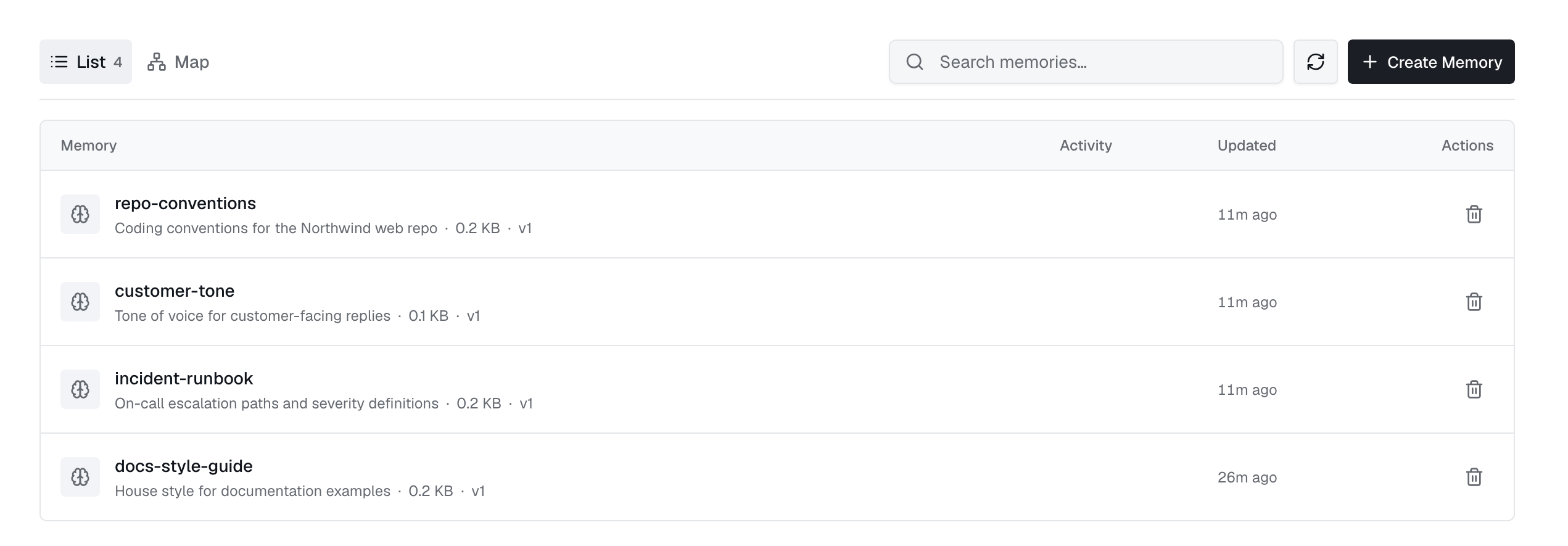
Enter a kebab-case name, description, and Markdown content. The name becomes its filename in the pod and cannot change. Edit the content on the memory's page. Agents update it using their own credentials.
Attach it to agents
Select memories when creating or editing an agent. Choose an access mode and whether to load each memory automatically:
| Setting | Meaning |
|---|---|
readWrite | The agent can read and update the memory. |
readOnly | The agent can read the memory but cannot change it. |
In API updates, send a list to replace attachments, an empty list to remove them, or omit it to keep them. Apps and web agents use the same format.
A short write lock prevents agents from overwriting each other's updates.
Add to tool notes
Add to tool notes copies the memory into a tool's notes and records its source. Existing notes are kept.
The memory map
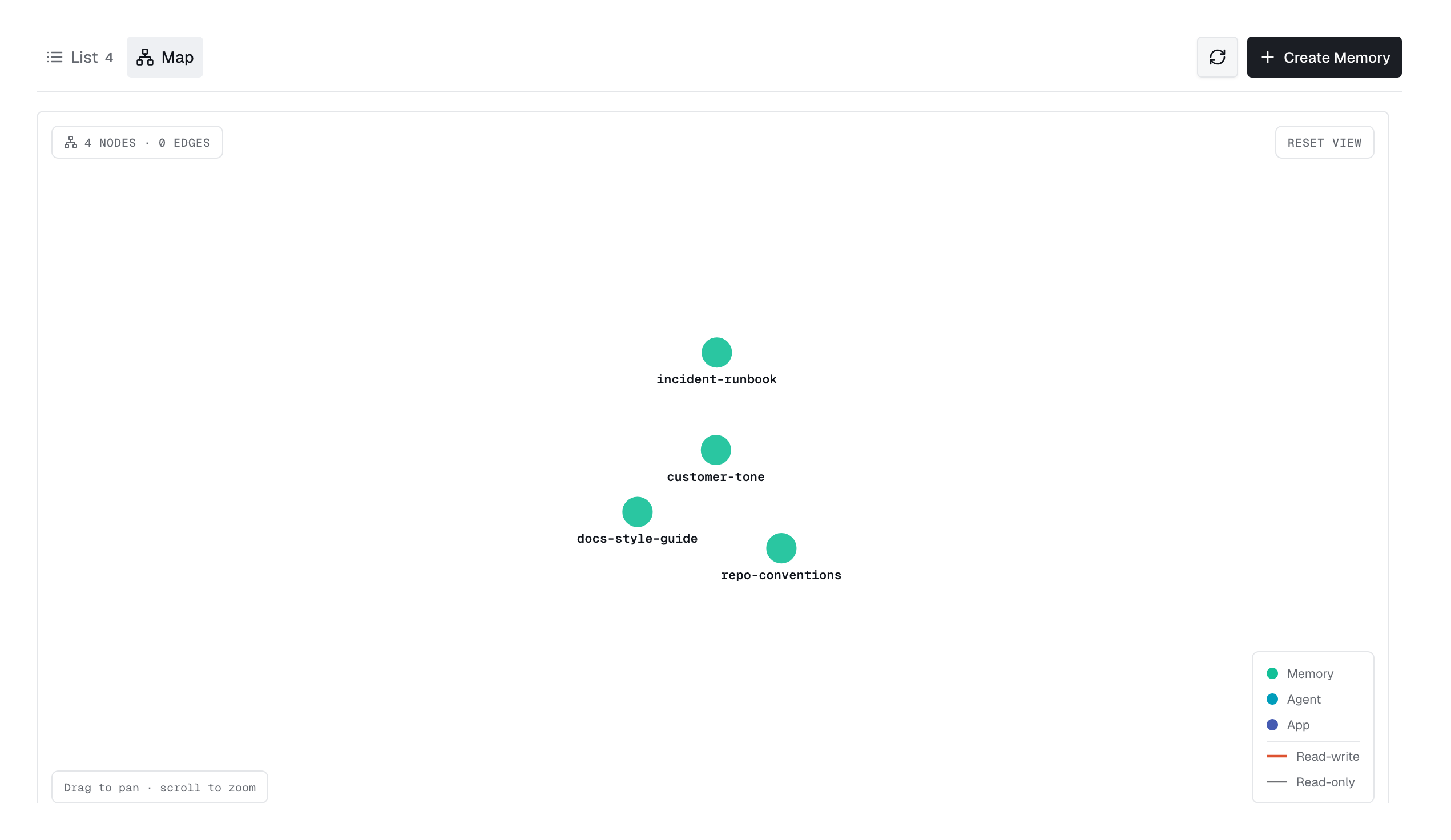
Map shows memories linked to agents and apps, including memories with no attachments.
Access
- Access: choose users, teams, or roles in the Access panel. The memory page lists attached agents.
- Delete: removes the memory and its attachments from agents.