
Tool
Connect agents and people to databases, servers, APIs, and Kubernetes.
A Tool connects agents and CLI users to an external system. Industric supplies connection details when needed; credentials stay in the cluster.
Overview
- Set the host, port, database, credentials, and TLS options.
- Run queries or commands through agents or
exo tool connect/exec. - Set optional database or tool permissions with
spec.permissions.
Declare a Tool
1apiVersion: v12kind: Secret3metadata:4 name: analytics-pg-creds5type: Opaque6stringData:7 password: REPLACE_ME8---9apiVersion: autonomic.sh/v1alpha110kind: Tool11metadata:12 name: analytics-postgres13spec:14 type: postgres15 description: "Analytics Postgres read-replica"16 tags:17 - databases18 - postgres19 - readonly20 probe: true21 config:22 hostname: pg-analytics.prod.internal23 port: 543224 username: autonomic_ro25 databaseName: analytics26 sslMode: require27 credentialsRef:28 name: analytics-pg-creds29 key: passwordIntegration types
Common values for spec.type include:
1ssh postgres mysql mariadb sqlserver mongodb2redis clickhouse kubernetes http git github3snowflake bigquery elasticsearch kafka oracle cockroachdb4yugabytedb redshift rabbitmq aws gcp azure5customManaged variants include mongodb_atlas, documentdb, elasticache, and the *_aws_secrets_manager types. See examples in autonomic/samples/tool-*.yaml, including tool-custom.yaml for your own image.
Config & credentials
Set connection details in spec.config and link credentials with credentialsRef. Set spec.probe: true to test the connection before marking the tool Ready. Custom tools use their own container image.
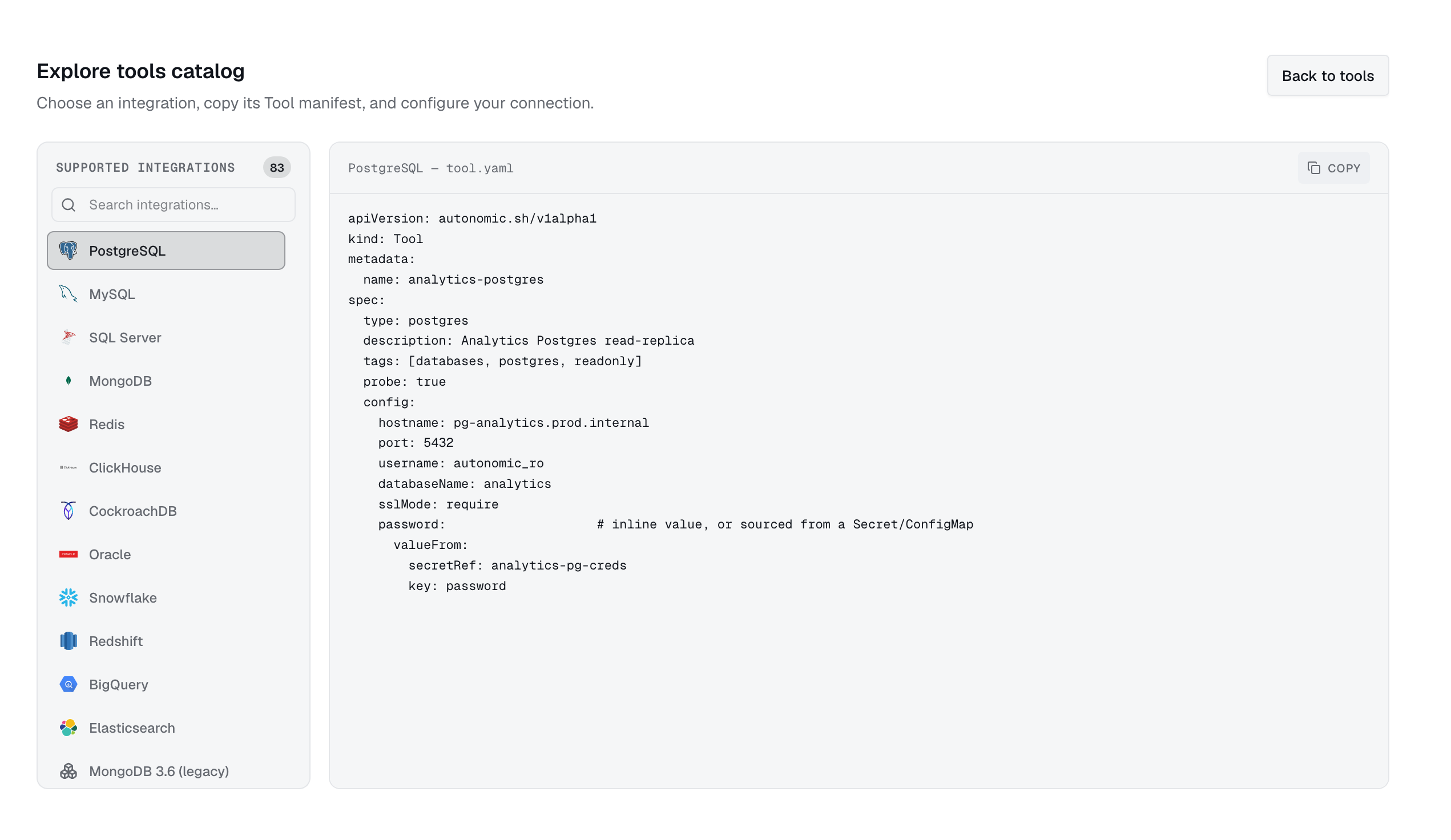
Integrations
Search or filter the catalogue, then open an integration for sample YAML. Add your Secret and connection details, then run kubectl apply.
38 integrations
ERP presets for SAP, Oracle, Microsoft Dynamics, Infor, Epicor, Sage, and Odoo create an http tool with the vendor's API details.