
LLM gateways
Manage model access, track usage, and set budgets for agents and users.
An LLM gateway runs in your cluster and connects agents to model providers. Open Capabilities → Gateways.
What a gateway does
- Manage keys: keep provider credentials in the gateway and give agents short-lived virtual keys.
- Track usage: requests, tokens, cache reads and writes, and spend by agent and user.
- Set limits: session and period budgets, plus request and token rates for each agent or user.
Create a gateway
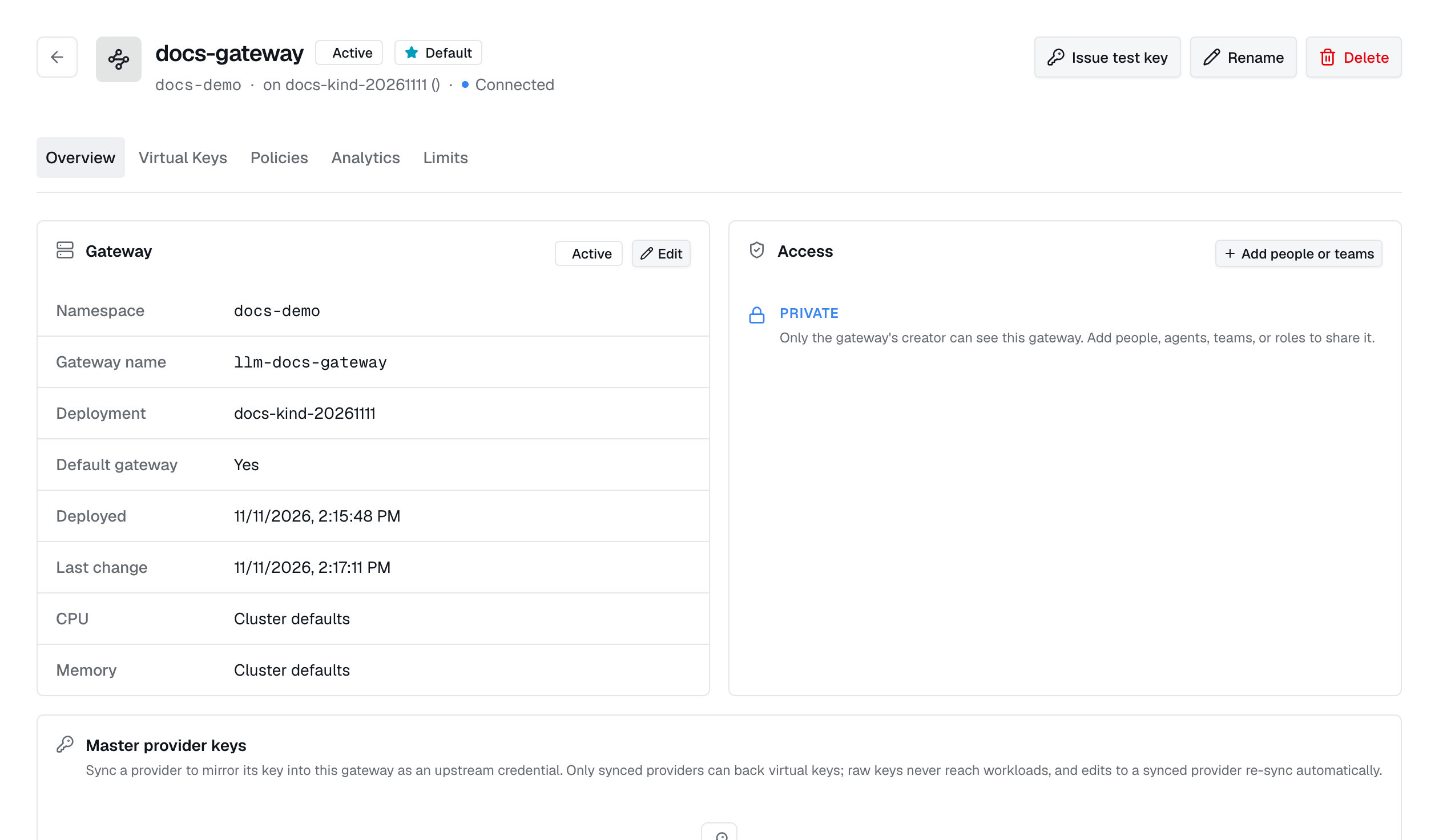
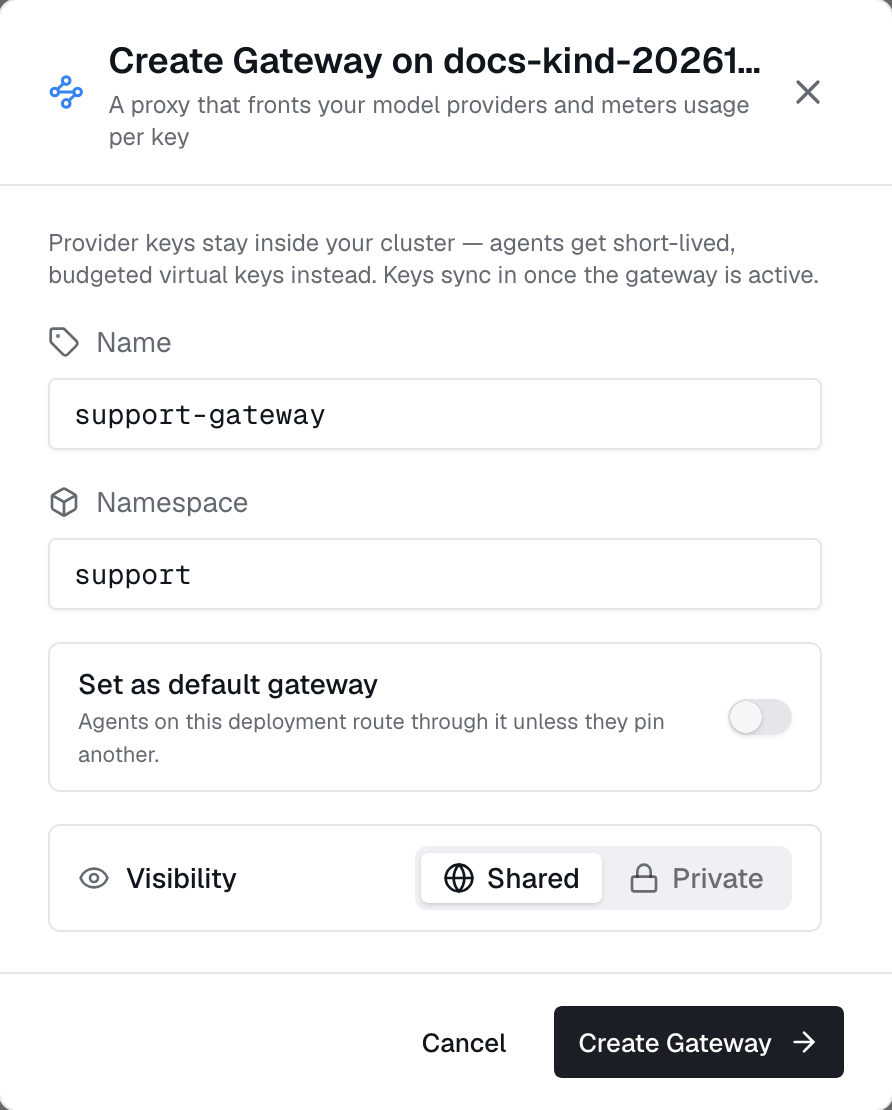
Choose a deployment and DNS-style name. Optionally make it the deployment's default; only one is allowed. Status moves from pending to provisioning to active. The detail page shows the endpoint and any error.
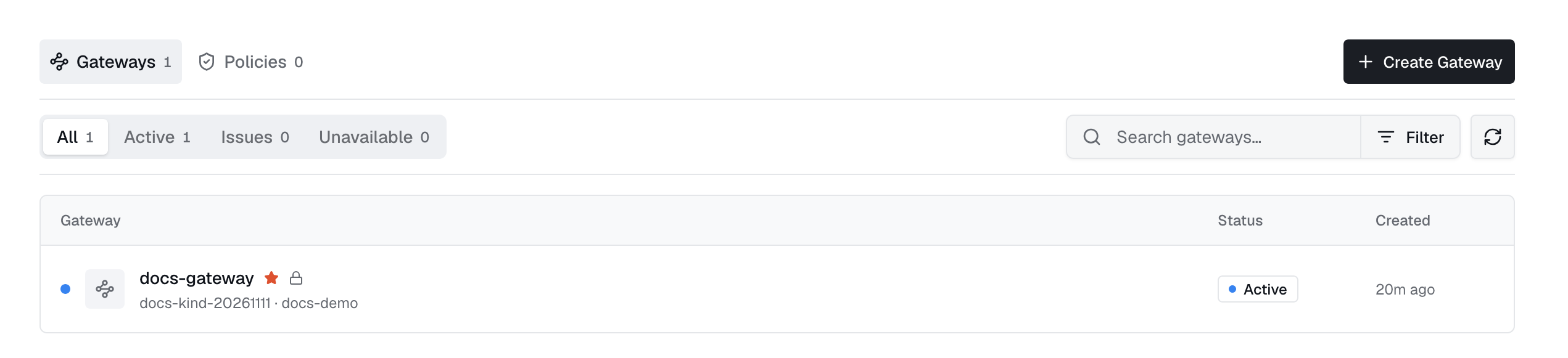
Sync providers into it
Choose which providers to sync. Sync copies their credentials into the gateway so agents and virtual keys can use them. Later edits sync automatically. Removing a provider removes its key from the gateway.
active.Route agents through it
Set Use gateway when creating or editing agents, apps, or web agents:
| Setting | Effect |
|---|---|
| A named gateway | Always use this gateway. |
| Deployment default | Preselected for new agents. Existing agents keep their saved gateway until edited. |
| Off | Use provider keys directly. |
1spec:2 gateway:3 name: shared-gateway4 namespace: adaptiveChanging an agent's gateway needs set-agent-gateway support and takes effect on the next pod.
Virtual keys
Industric creates a virtual key for each session, agent, and provider. It is shown once and expires when the session ends. Revoke it anytime from the key list. The gateway tracks each key's spend, requests, and input, output, and cached tokens.
Administrators can also create keys for applications or testing. User keys must be limited to a named provider.
export OPENAI_BASE_URL=https://<gateway-endpoint>/v1
export OPENAI_API_KEY=<minted-virtual-key>
Budgets & rate limits
Target named agents or users, or * for all. Limits apply to each target separately:
| Field | Caps |
|---|---|
session_budget_usd | Spend on a single minted key, i.e. one run or session. |
total_budget_usd | Spend across all of the target's keys until the reset boundary. |
resets | When the total resets: never, daily, weekly, or monthly. |
requests_per_minute | Request rate. Absent or zero means unlimited. |
tokens_per_minute | Token rate. Absent or zero means unlimited. |
Usage analytics
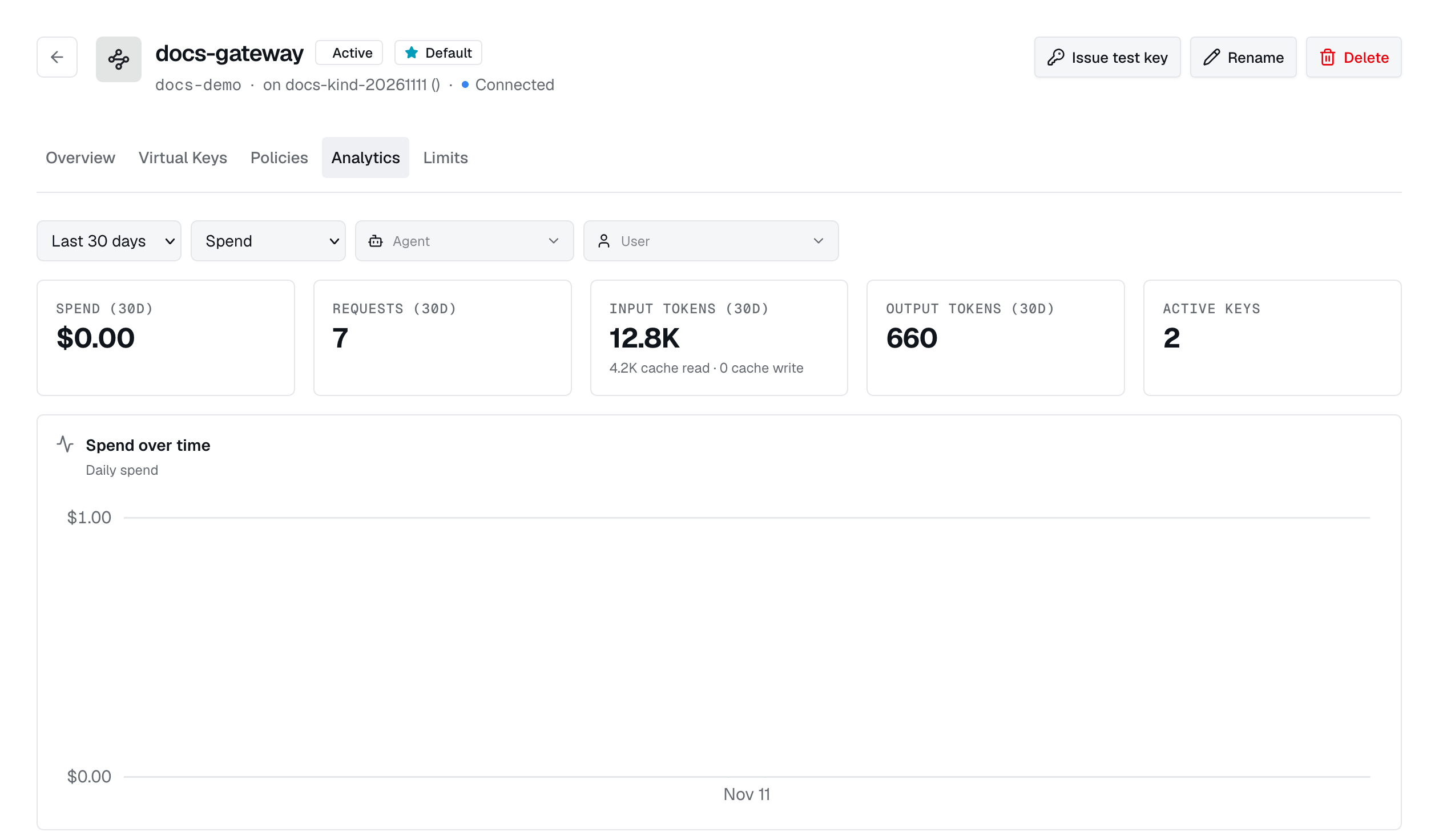
In Usage, choose a time range and view spend, requests, and tokens by agent, user, or day. Cache spend is shown separately. Filter by agent or user for details.
Scaling
Edit replica CPU and memory settings on the detail page to restart the gateway with new limits. Clear the fields to restore defaults. Deleting a gateway reports any credentials that still need cleanup.
1apiVersion: autonomic.sh/v1alpha12kind: LLMGateway3metadata:4 name: shared-gateway5 namespace: adaptive6spec:7 replicas: 28 service:9 type: ClusterIP10 port: 400011 resources:12 requests:13 cpu: 500m14 memory: 1Gi