
Apps
Build apps with a coding agent, preview them live, and add Postgres when needed.
An App runs a coding agent and dev server in your cluster. Describe what to build, then watch changes in the live preview. Open Agents → Apps.
What an app is
- Dev server: preview in the dashboard, with an optional public URL when an apps domain is configured.
- Coding agent: configured at creation and working in the same pod and workspace.
- Workspace: stores code across restarts.
- Optional Postgres: a local database with persistent storage.
Create an app
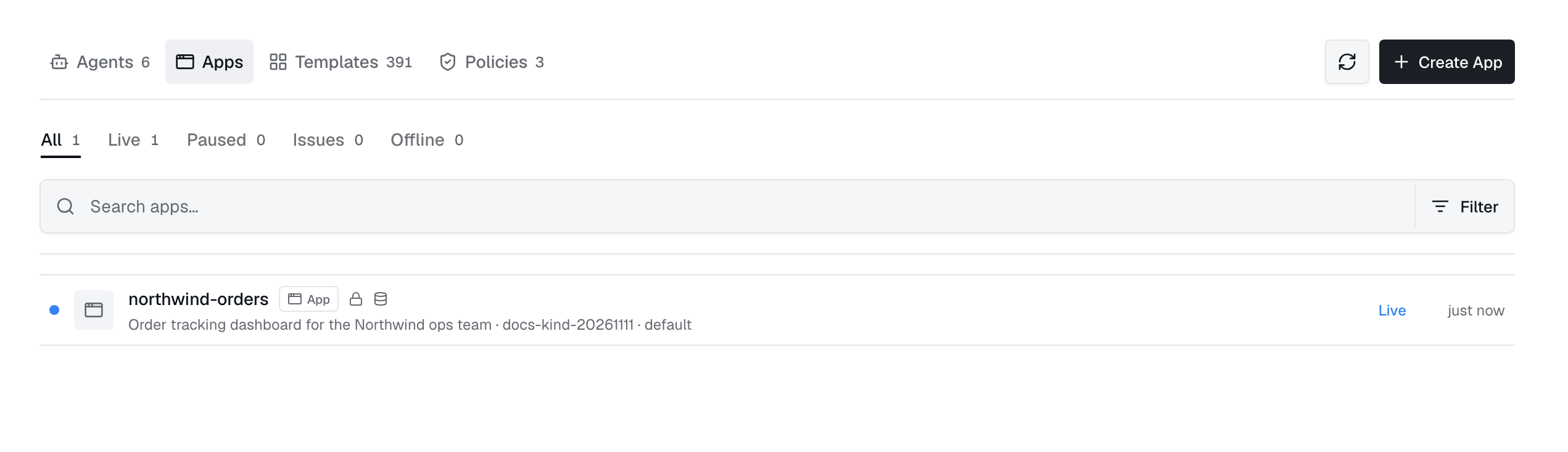
Click New app. Choose an online deployment, enter a DNS-style name, and describe the app. Advanced settings let you choose workspace size and storage class; otherwise, cluster defaults apply.
The coding agent
Configure the agent's runtime, provider and model, LLM gateway, skills, MCP servers, memories, and CPU/memory limits.
Changing the agent restarts the pod and ends its current session. Workspace files are kept.
Live preview
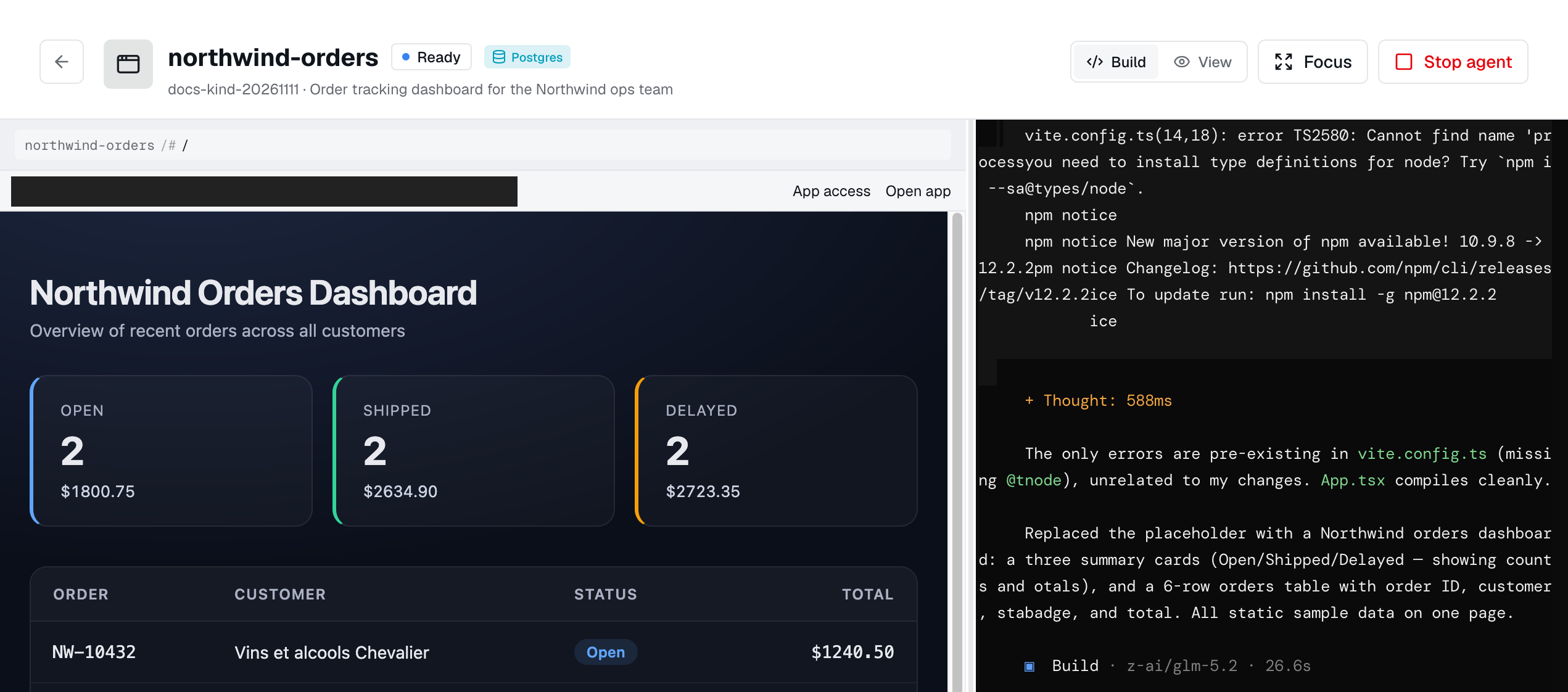
The preview connects to your app's dev server through the operator. Access is authenticated.
Configure an apps domain for a public URL. It requires an Industric login by default. You can instead use a static key or allow access without signing in.
The database
Enable Postgres for a persistent database accessible only inside the app's pod. Choose its size and storage class at creation. Grow it later in App storage.
Restart, delete, storage
- Restart: replace the pod while keeping workspace and database volumes.
- Delete: remove the app, pod, and volumes unless retention is enabled.
- Force delete: also clear the dashboard record if the deployment is offline or unresponsive.
- Storage: view and grow workspace and database volumes in Infrastructure → Storage.
Access
Viewing apps needs apps:read; creating and managing them needs apps:write; using them needs apps:invoke. Resource access also depends on ownership and grants in the Access panel. Remove any all-users grant before restricting access to named users, teams, or roles.
As a resource
1apiVersion: autonomic.sh/v1alpha12kind: App3metadata:4 name: pricing-page5 namespace: adaptive6spec:7 description: Marketing pricing page experiment8 port: 30009 workspace:10 size: 5Gi11 retain: true12 database:13 enabled: true14 size: 2Gi15 agent:16 enabled: true17 runtime: ClaudeCode18 model: claude-opus-4-819 skills:20 - write-tests