
Tokens & deployments
The lifecycle of a deployment token: minting, rotating, and the rule that keeps two clusters from sharing one identity.
A deployment token is the entire identity of an operator instance. There's no per-resource scoping and no role bundle. The token grants one right: to be the deployment it was minted for. User authorisation lives in the control plane, where the permission catalog can evolve, not on a string sealed into a Secret.
What's in a token
A deployment token is an opaque, prefixed string. The prefix lets support and log scrubbers identify the token type without revealing the secret half.
1exo_dpl_8a4b9f3e2d1c0a7b6e5f4d3c2b1a09f82 │ └────────────────────────────── opaque entropy (16 random bytes, 32 hex chars)3 └────────────────────────────────────── product + type prefix ("exo_dpl_" = deployment)We persist sha256(token) plus the visible prefix, never the raw secret. A leaked token can't be recovered from the database, only rotated away.
Minting a token
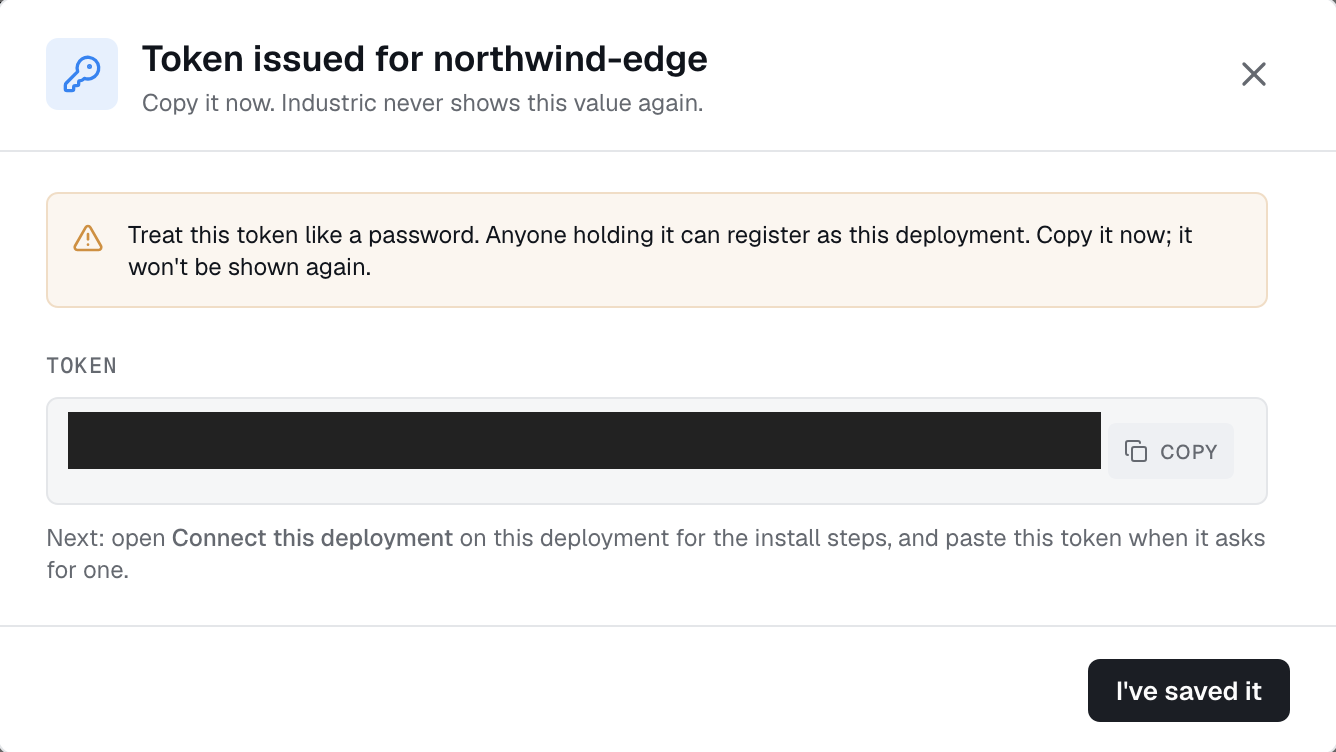
Tokens are minted from Deployments → New in the dashboard. The token is shown exactly once on the creation screen. After that the dashboard shows only the prefix and the issuance timestamp. The secret half is unrecoverable.
Rotation
Rotating a token invalidates the old token and disconnects the operator immediately. Plan for an interruption while you install the replacement.
- Choose Regenerate token in the deployment's connection guide and copy the replacement when shown.
- Update the
autonomic-authSecret used forAUTONOMIC_AUTH_TOKEN. - Restart the operator and confirm the deployment returns online.
There is no overlap period in which both tokens work.
Revocation
There is no separate Revoke action. Rotate the token to invalidate a leaked credential, or delete the deployment when retiring its connection.
One-to-one binding
A token binds 1:1 to a deployment. The control plane rejects a second active connection presenting the same token, using a last-writer-wins grace window. This means three things.
- You can't share a token across clusters. Multi-cluster tenants mint one token per cluster. Each cluster gets its own dashboard identity, audit trail, and rotation cadence.
- Leader election needs no extra config. Replicas of one deployment compete for the single connection slot. Whoever holds the lease holds the connection.
- Disaster recovery is rotation. When the primary cluster comes back, rotating the token hands ownership to the new replica.